
How to Draw Steve from Minecraft Step by Step
Learn how to draw Steve from Minecraft step by step. Follow the lesson and add the character's distinctive details.
Choose a lesson
Choose a drawing to view its steps or video.
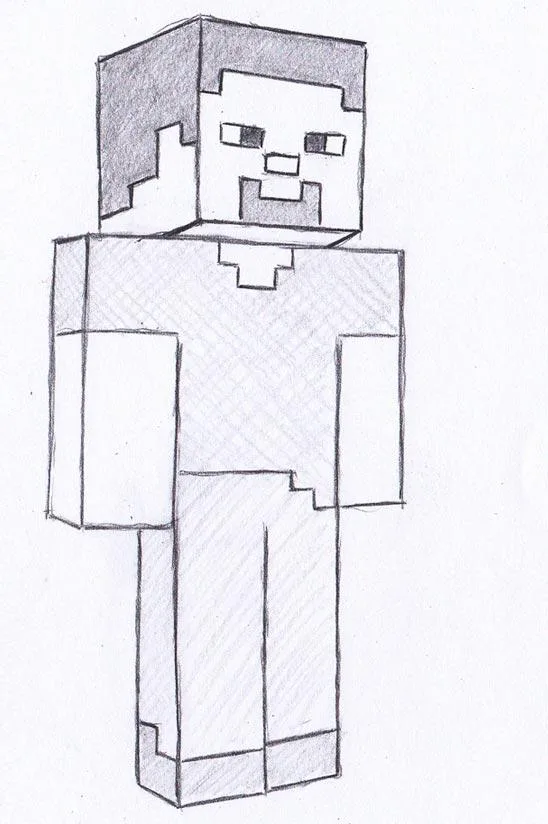
Steve
+37+19+12086Open stepsShow less
Log in to save your marks. Log in
The first step is very simple because you don't need to draw an outline. Start by drawing two arms as shown in the picture.
Continue by drawing Steve's legs. Once they are in place, add a few lines at the bottom to define the character's boots.
Start drawing the square head.
Now add some details to Steve's clothes, such as his pants and T-shirt. You only need a few lines in the places shown in the picture.
Add Steve's nose, eyes, and hair. All of these features are square, so they should be easy to draw.
Finish the drawing by shading the character with different shades of gray. Vary the pressure on your pencil to do this.
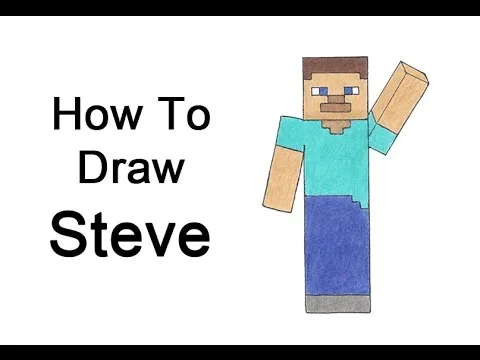
Steve
+0+0+0VideoOpen videoShow less
Log in to save your marks. Log in
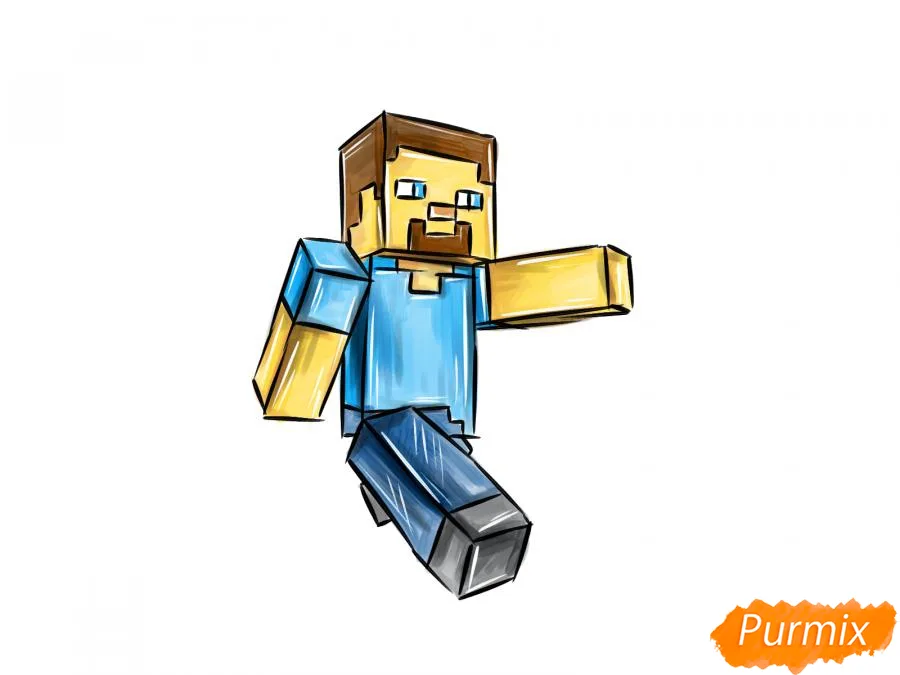
Steve in motion
+0+0+011Open stepsShow less
Steve, one of the main characters in Minecraft, will appear on our sheet as you draw him step by step using this lesson and a small selection of materials you have on hand. The result will be a colorful drawing of the hero in motion.
Materials:
- pencil
- eraser
- black marker
- colored pencils
- white gel pen
- paper.
Log in to save your marks. Log in
Draw two vertical lines a short distance apart. Then sketch a cube at the top with diagonal lines. Add one side plane with a vertical stroke to form a sketch of Steve's head.
Finish the side of the head, then move on to the torso and draw the character's arms as blocks.
Finish the torso and add the legs below as elongated rectangles.
Draw the character's face and hair in the middle of the cube. Use lines on the torso to separate the clothing and mark the shadows.
Trace the resulting sketch of Steve with a marker to create a clean outline drawing.
Color Steve's skin with a yellow or beige pencil.
Draw the details on the head with brown and beige pencils. Also add shadows to the areas of skin.
Color Steve's T-shirt and eyes with a light-blue pencil.
The hero's pants are blue. Color them in.
Color the lower part gray.
Add shadows to Steve with a black pencil, then draw the block highlights with a white gel pen. The finished picture is ready!

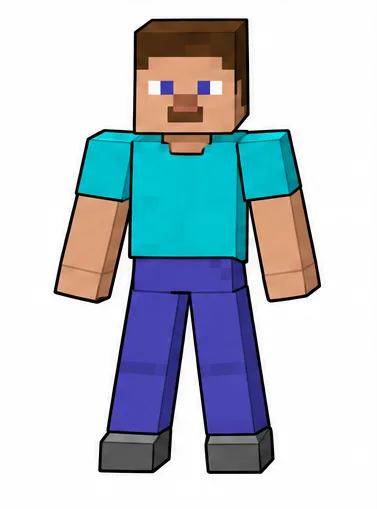
Steve full body
+0+0+08Open stepsShow less
In this step-by-step lesson, we'll draw a full-body Steve from Minecraft: sketch his silhouette, add recognizable details, and color the finished character.
Log in to save your marks. Log in
Lightly sketch Steve's main shapes and arrange them as shown in the example. Check the proportions before refining the outline.
Connect the initial shapes into one silhouette and refine the size of its main parts.
Add the large parts of the silhouette: limbs, protrusions, tail, or other features shown in the example.
Refine Steve's outer contour and the placement of the large details on his body.
Draw the main features of the head and torso, turning the sketch into a finished outline.
Add the facial features, inner lines, and distinctive details.
Work on the small elements and patterns, then clean away the guidelines.
Color the finished Steve with his characteristic shades, separating neighboring areas neatly.








Stevens63677
У меня норм получился хотел конечно комикс сделать
billybaystar
Скинешь фотку если не сложно?
arseniy1235
Вот дорисовал
arseniy1235
Мнн 10 лет оцените! Немного не успел дорисовать
Roscar007
не судите строго мне 10
Roscar007
а можно так же нарисовать ток свой скин