
How to Draw Altaïr from Assassin’s Creed Step by Step
Choose an Altaïr drawing for beginners, a full-body version, or a chibi-style version. The page also includes video lessons that cover the character’s proportions, hood, and outfit step by step.
Choose a lesson
Choose a drawing to view its steps or video.
Altair
+7+9+18312Open stepsShow less
Log in to save your marks. Log in
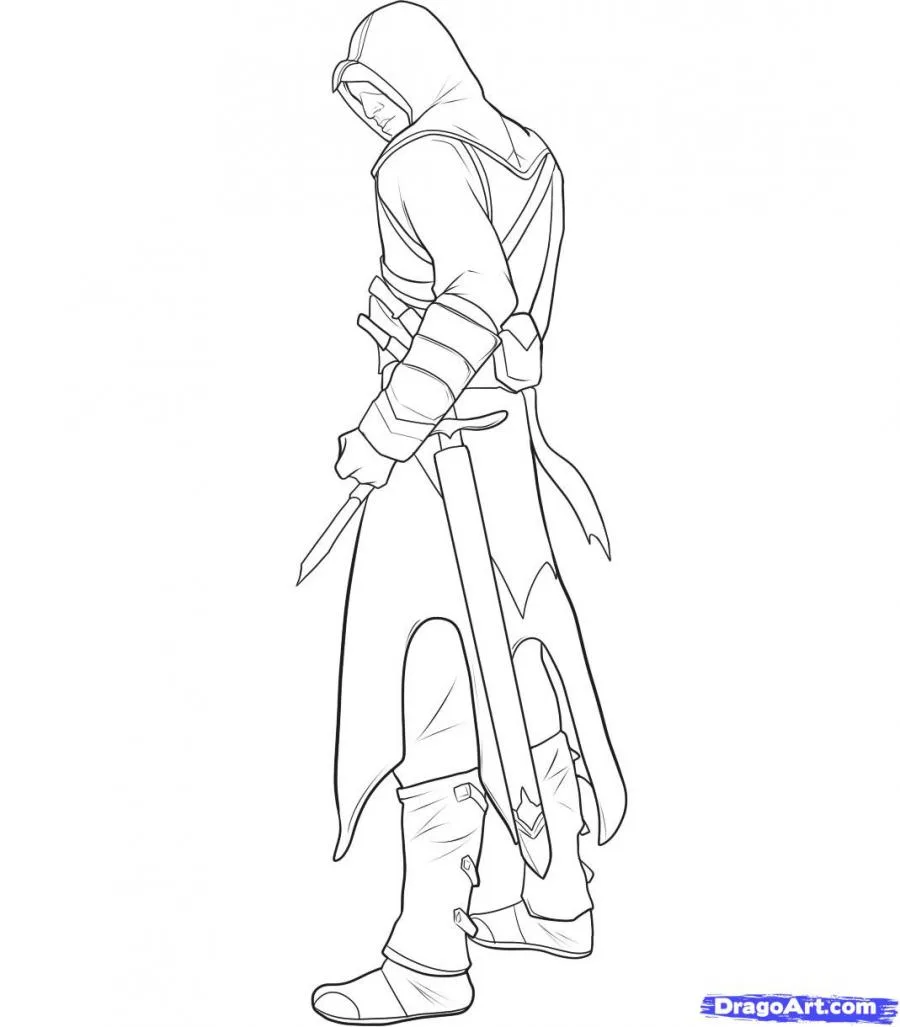
In this lesson, we will draw Altair. Let's get started. Begin with the shape of the head as shown in the picture. Then sketch the basic guidelines for the face and body, which will serve as the foundation for the character.
Now start drawing the hood, since it is a characteristic part of Altair's outfit.
Next, give the hood some depth by drawing its other side, which is visible at an angle.
Move on to sketching the face. To do this, add some shadow near the forehead as shown in the picture.
At this stage, sketch the torso, starting with the shoulders and arms as shown. The cape attached to the hood has a V-shaped design. Do not forget its lower trim.
Extend the arm line so that it is slightly longer than the torso. Draw the straps on the back and mark the sleeve fold at the bend of the arm.
Now draw the belt, which is fairly wide, then add the straps wrapped around his arm over the sleeve. Draw them carefully.
Next, draw the fist and the knife that retracts into the sleeve. Then draw the swords.
As you add the next parts of Altair's cloak, make sure it has three sections at the bottom. Add details to the end of the leather sword scabbard, then draw some details on the cloak.
Sketch Altair's legs to form the boots. Then draw the straps on them.
The final step is to draw the legs and boots. Add the boot detail that looks like an overlay. Then erase the guide lines from step one.
This is what our Altair from Assassin's Creed looks like. All that remains is to add color.
Altair
+0+0+0VideoOpen videoShow less
Log in to save your marks. Log in
Altair Full Body
+4+4+2086Open stepsShow less
Log in to save your marks. Log in
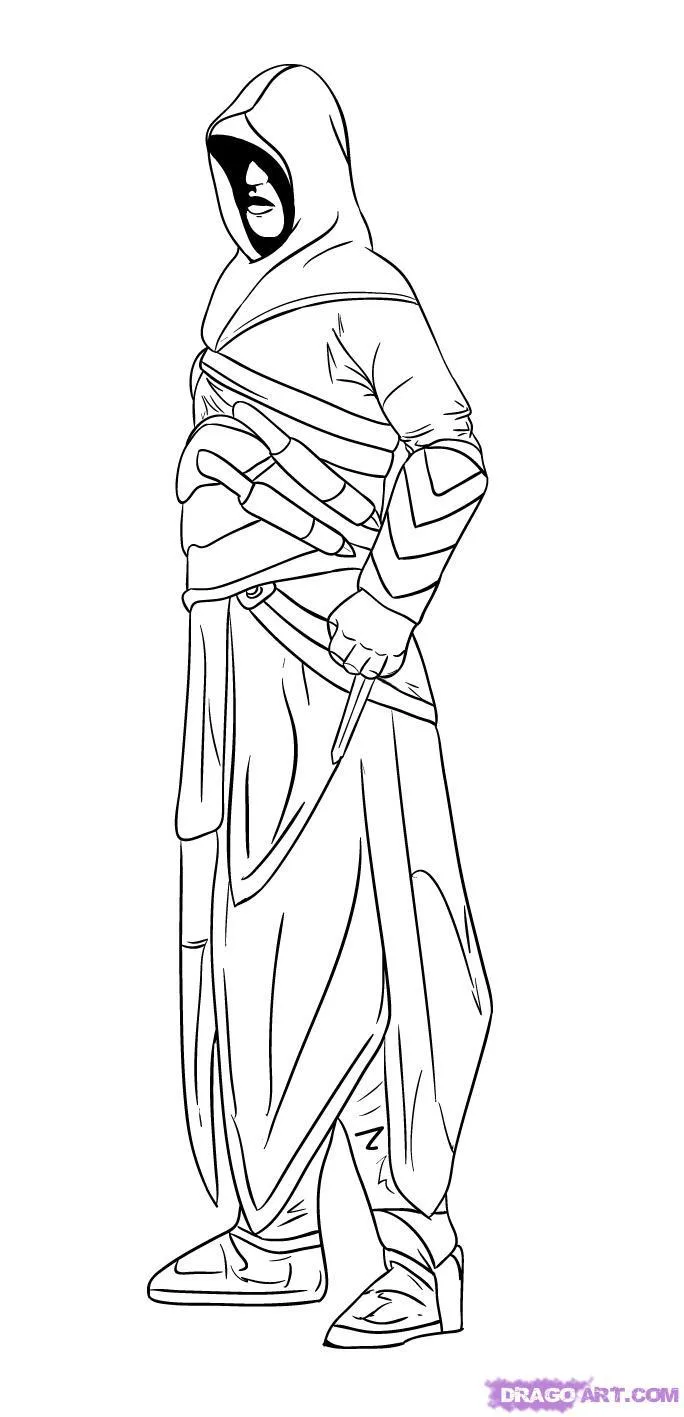
Start by drawing a circle for the head with a facial guide line. Next, sketch the neck and shoulders, then draw guide lines for the torso, waist, arm, and legs.
Now start drawing Altair's clothes. Sketch the line of the hood. The clothing hangs loosely over the chest, forming folds. Draw the arm and hand, and mark the lower edge of the cape as shown in the picture.
Finish drawing the cape, starting with the hood. Extend it slightly upward and shade the lining around the face. Sketch the facial features and define the chin. Draw the left edge of the clothing from the hood almost down to the feet. Draw the legs and shoes, then move on to the next step.
Draw the straps on the clothes, the folds, and the protective guards on the forearms. Use hatched lines to give the clothes more texture. Now erase the guide lines from step one.
For the final drawing step, add a seam to the hood, folds from the armpits to the elbows, and the blade sticking out between the knuckles. Add detail to the shoes.
Our video game character is ready. All you need to do now is color him in. See you next time!
Chibi Altair
+4+2+706Open stepsShow less
Log in to save your marks. Log in
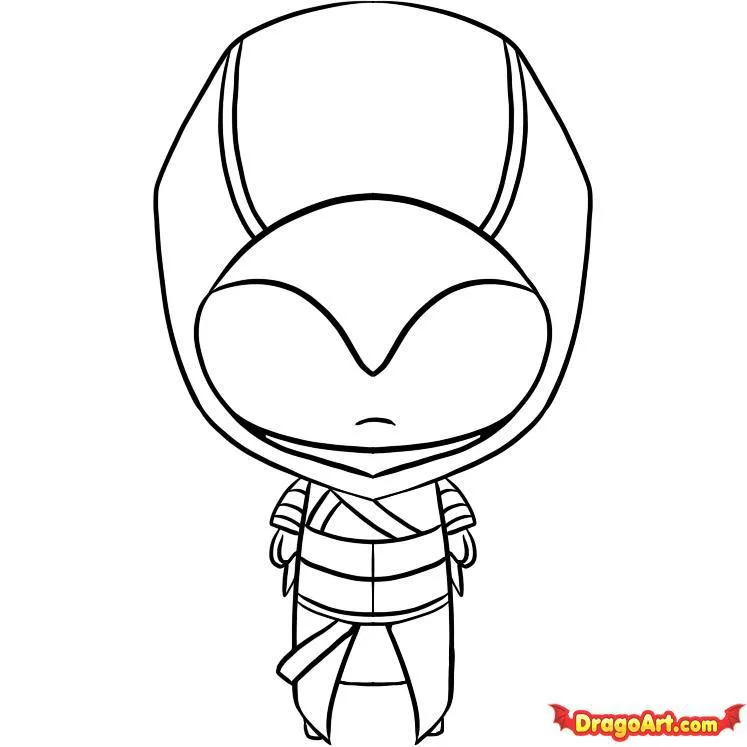
Chibi characters are fairly easy to draw because they all start in a similar way. First, draw a circle for the head, then sketch the body shape as shown in the picture. Join the two parts and draw a vertical line down the middle, from the top of the head almost to the bottom of the torso.
Next, draw the shape of Altair's face visible beneath the hood.
Next, sketch the hood and draw the stitches on it. Then draw the mouth and eye line. Now draw the shape of the torso and sleeves.
Now draw the straps on the chest and the leather belt around the waist. Then draw the arms and move on to the final drawing step.
Draw horizontal lines on the sleeves and finish the cape. Add the small legs, then erase the guide lines.
Our chibi Altair is ready. Now just color him in. I hope you had a good time drawing with us.
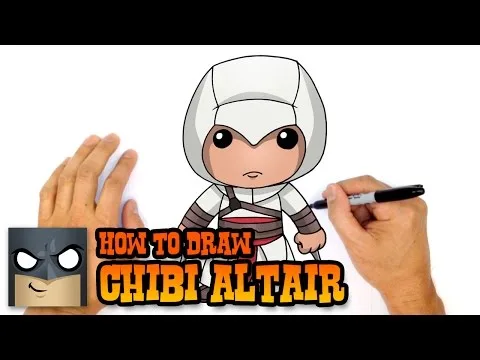
Chibi Altair
+0+0+0VideoOpen videoShow less
Log in to save your marks. Log in
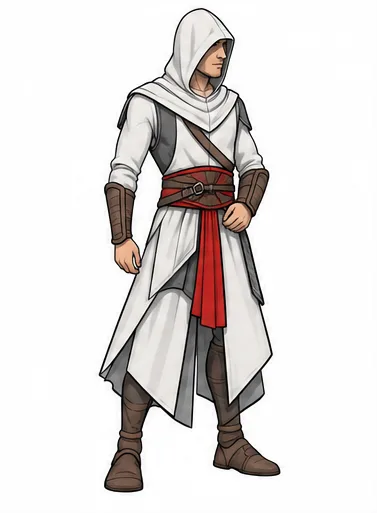
Altaïr
+0+0+08Open stepsShow less
Draw Altaïr in a white hood and long robe with a red belt. Spread the pointed robe tails over dark trousers and boots.
Log in to save your marks. Log in
Step 1
Sketch Altaïr’s slim figure, bending one arm near the belt.
Step 2
Outline the hood, sleeves, and long split robe hem.
Step 3
Add the collar, strap across the chest, belt, and forearm guards.
Step 4
Draw Altaïr’s face in the shadow of the hood.
Step 5
Refine the layered belt fabric and its long hanging end.
Step 6
Draw the hands, straps on the boots, and folds around the ankles.
Step 7
Add seams, buckles, and folds to the white fabric, then erase the sketch.
Step 8
Leave Altaïr’s robe white with gray shadows. Color the belt red, the straps and bracers brown, and the trousers and boots dark.
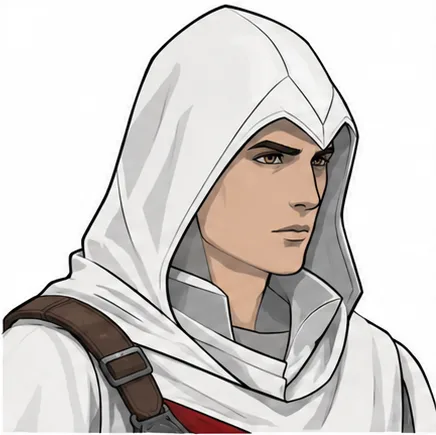
Altaïr Ibn-La’Ahad Head
+0+0+08Open stepsShow less
Build Altaïr’s portrait around a white hood with a pointed edge above the forehead. Turn his face to the right and draw a brown strap over the shoulder.
Log in to save your marks. Log in
Step 1
Sketch Altaïr’s head, neck, shoulders, and facial guide lines.
Step 2
Outline the chin, neck, and neckline of the clothing.
Step 3
Draw Altaïr’s tall hood and the folds of the collar.
Step 4
Add the eyes, eyebrows, nose, and lips.
Step 5
Refine Altaïr’s gaze and the line of the upper eyelids.
Step 6
Add the double edge of the hood and the inside of the collar.
Step 7
Draw the shoulder strap with its buckle and a few small folds, then erase the sketch.
Step 8
Keep Altaïr’s fabric white with gray shadows inside the hood. Color the strap brown, the buckle gray, and the lower clothing insert red.
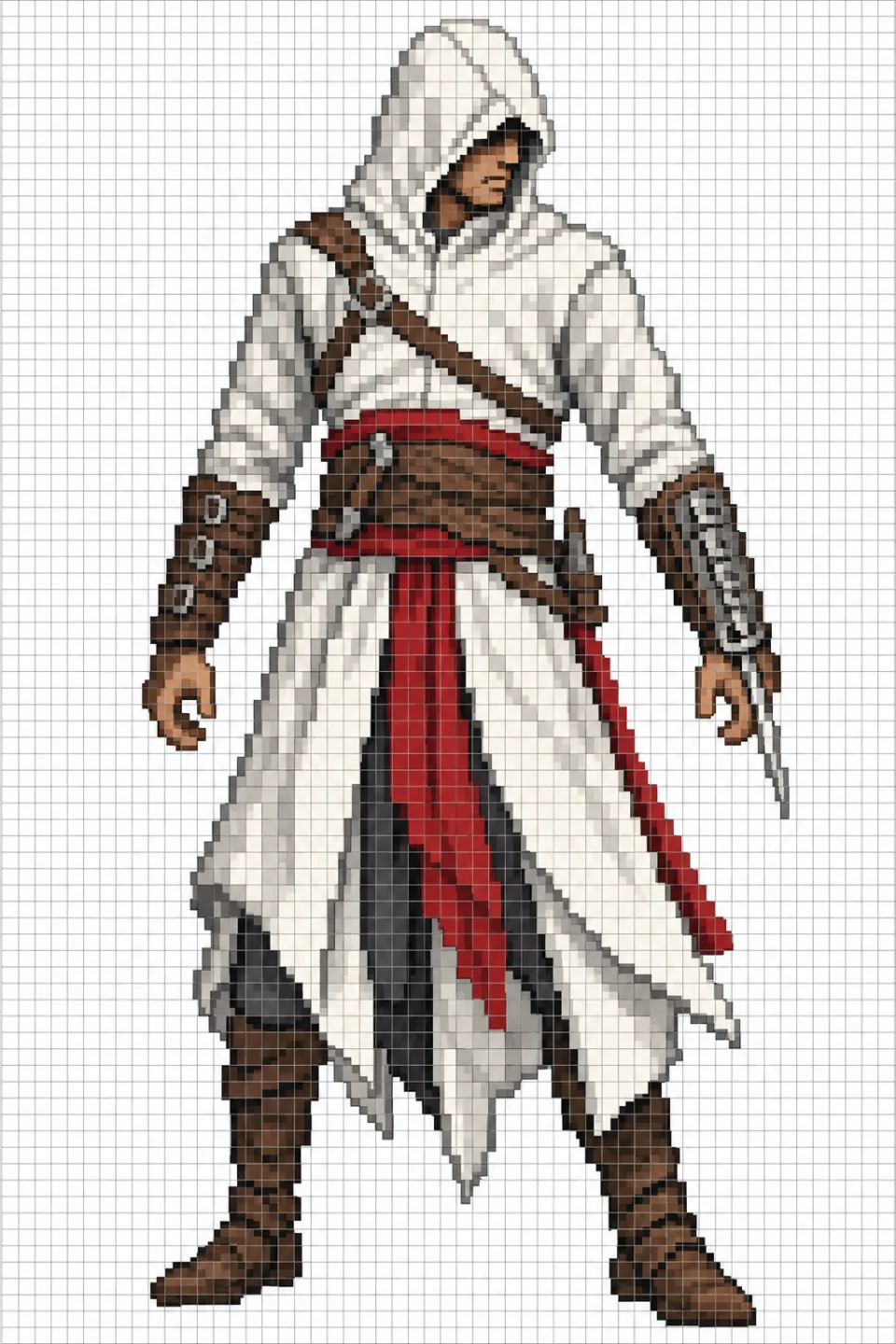
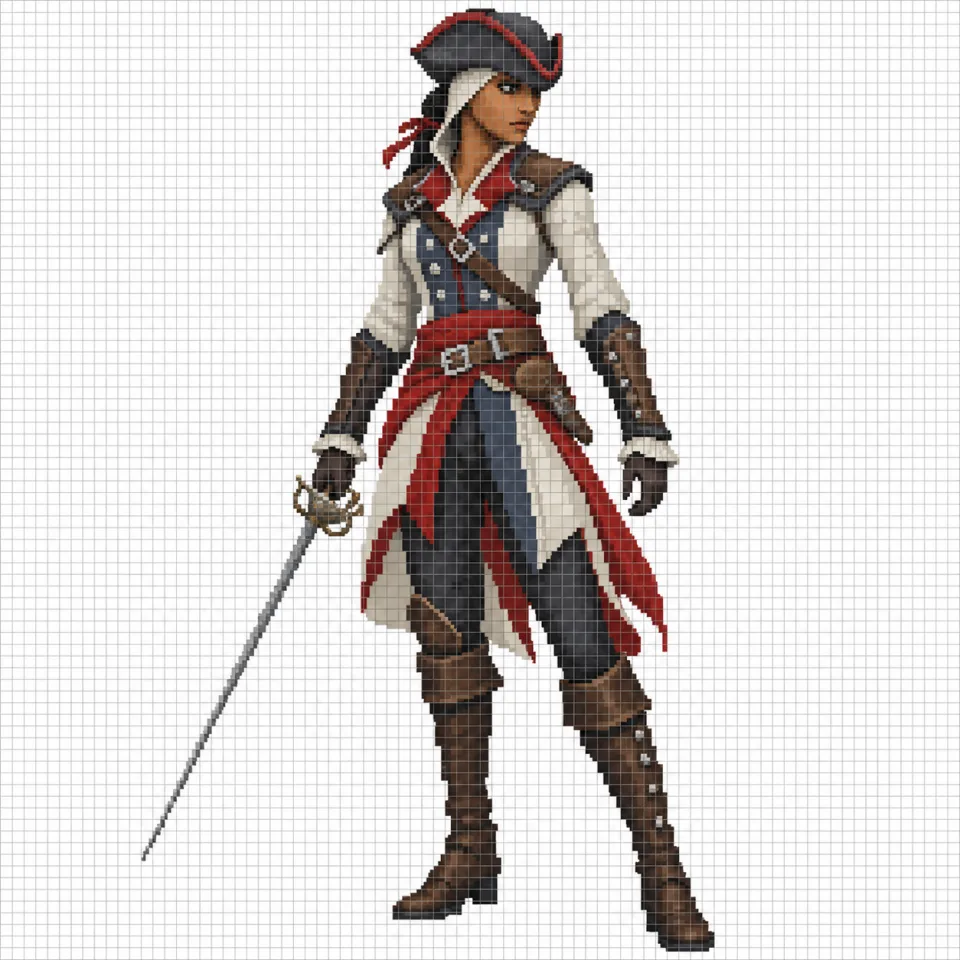
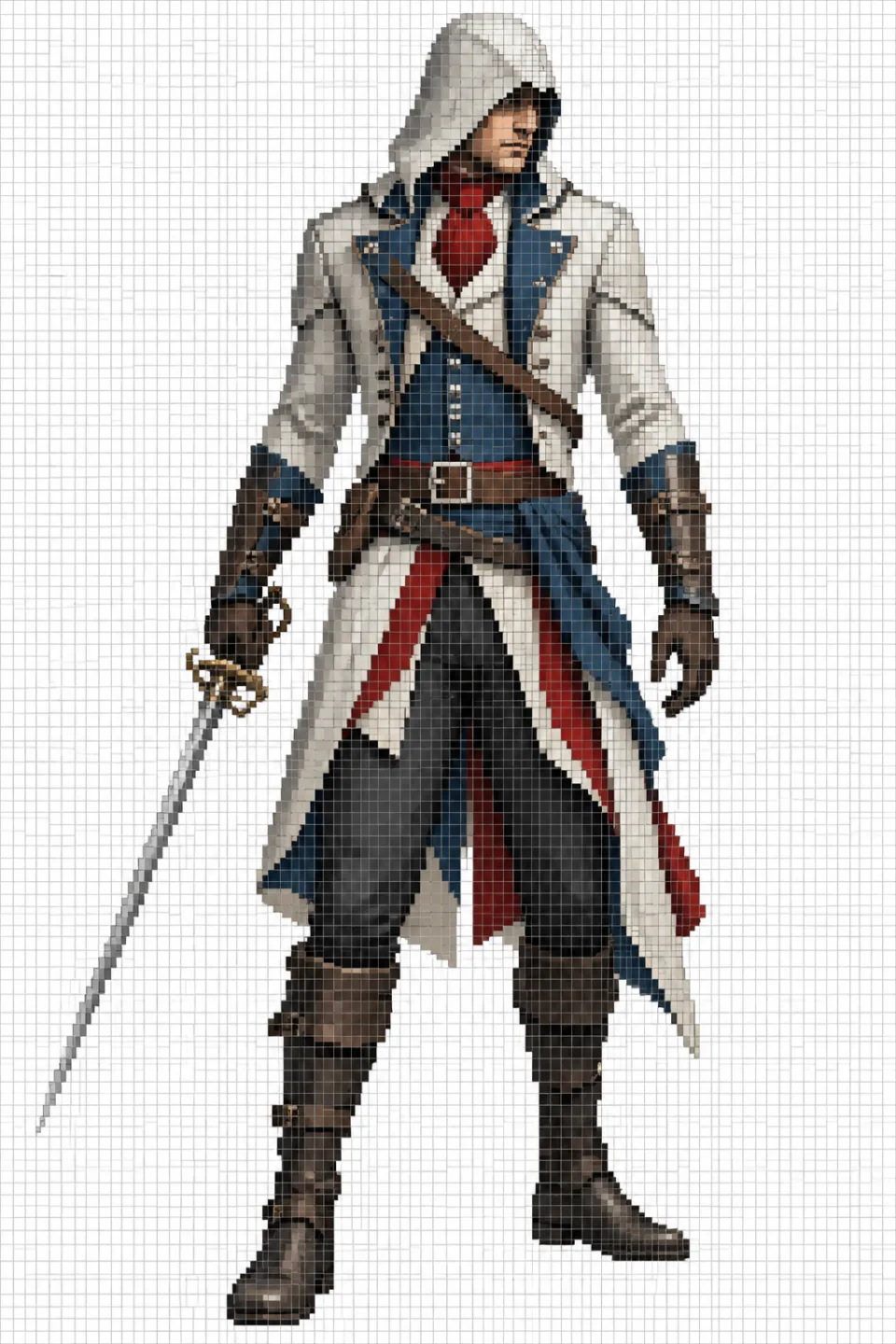
Altaïr Ibn-La’Ahad on a Grid
+0+0+01Open photoShow less
Log in to save your marks. Log in



ALEXTOP
если есть время сделайте тана
SkerovLV
Как-то так
ALEXTOP
нормю
artem360
ну как
ALEXTOP
ок
artem360
не плохо
ALEXTOP
извини но я бы лучше камеру приблизил а так норм но значёк и название вместе
Саша
Чуть чуть с лицом не палучилось
Гость
кхм... Чуть-чуть?
ALEXTOP
ты дорисуйка сначала
saygon
Я новичок оцените)))
ALEXTOP
для новичка не плохо но часто не гни лист
Агнетта
Альтаир
ALEXTOP
исполбзуй тана
Дашок
... сойдет
ALEXTOP
мини ассасин?
Леголас
Извиняюсь за погнутый лист. Не справилась с ластиком)
ALEXTOP
круть
Илья
Всосали)
ALEXTOP
ном