
How to Draw Michael De Santa from GTA 5 Step by Step
Draw Michael De Santa from GTA 5 using one of two step-by-step tutorials: a portrait or a beginner-friendly version. Follow the stages to build the shape of the head and face, then refine the details.
Choose a lesson
Choose a drawing to view its steps or video.
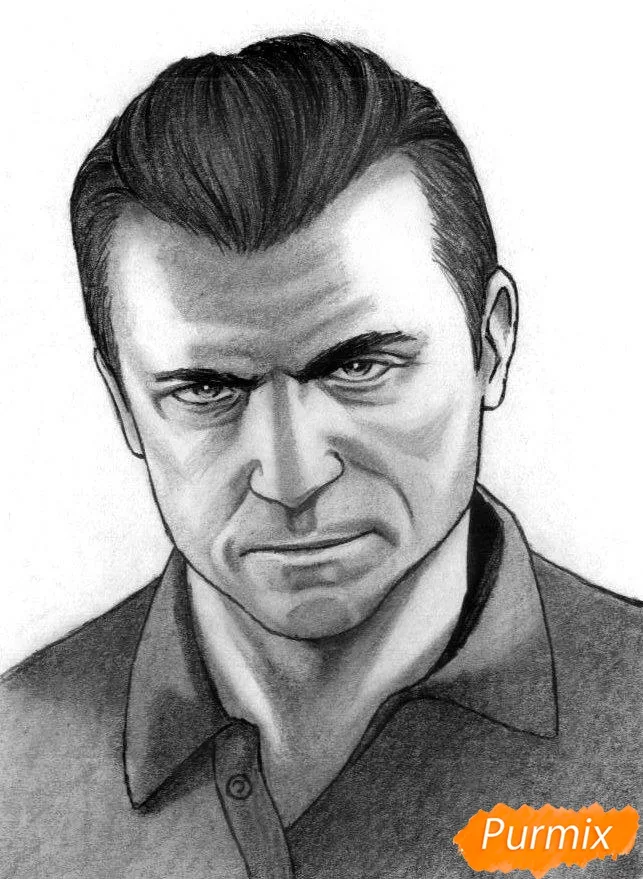
Michael De Santa
+6+9+375Open stepsShow less
Log in to save your marks. Log in
Step 1
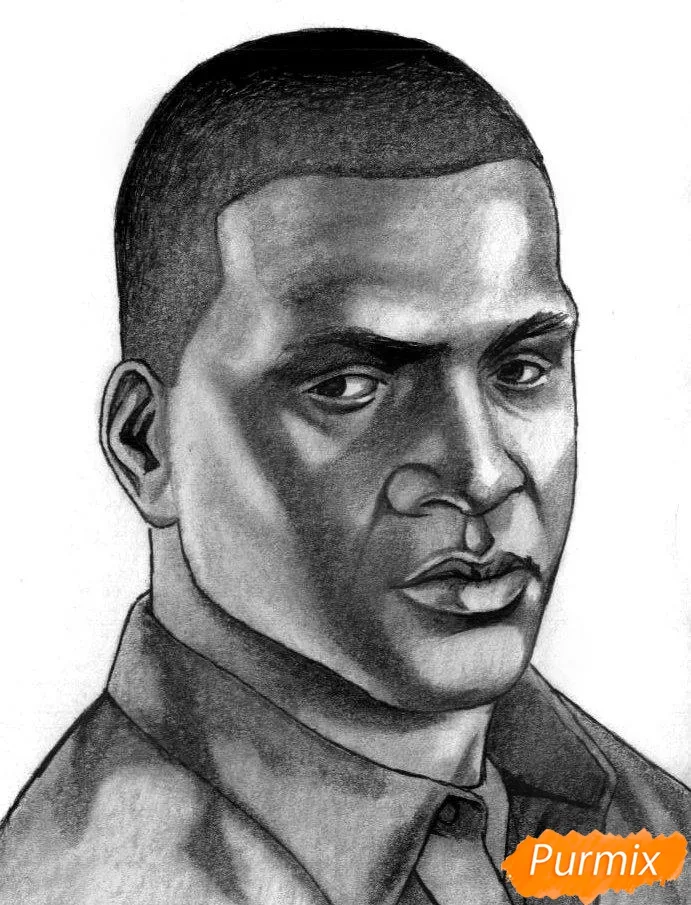
Use a hard pencil to draw the portrait outline. Pay close attention to the proportions because Michael is looking slightly downward rather than straight ahead.
Step 2
Use a black pen to darken the eyes, eyebrows, nose, hair, and shirt as shown. Use longer strokes for the hairstyle.
Step 3
Use a soft pencil to add the main shadows. Notice how the light falls: the shadow should run down the center of the face. The darker the areas under the eyebrows, the more expressive the eyes will look. Darken the hair along its outline to give it volume. The neck should be darker than the face because it receives less light. Shade the shirt more heavily under the collar.
Step 4
Lightly shade the portrait with a hard pencil.
Step 5
Blend the portrait with a piece of paper, then darken the necessary areas as you see fit. At this stage, aim for a good level of contrast.

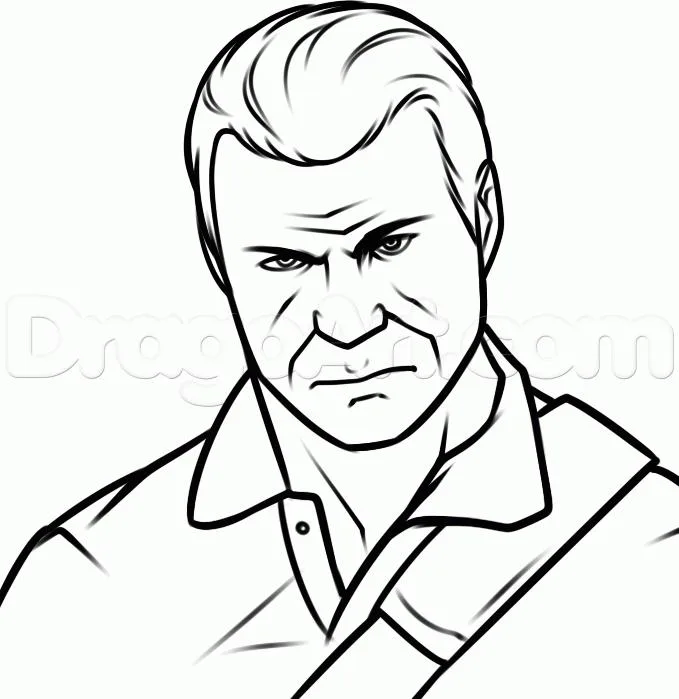
Michael De Santa for Beginners
+3+2+478Open stepsShow less
Log in to save your marks. Log in
Step 1
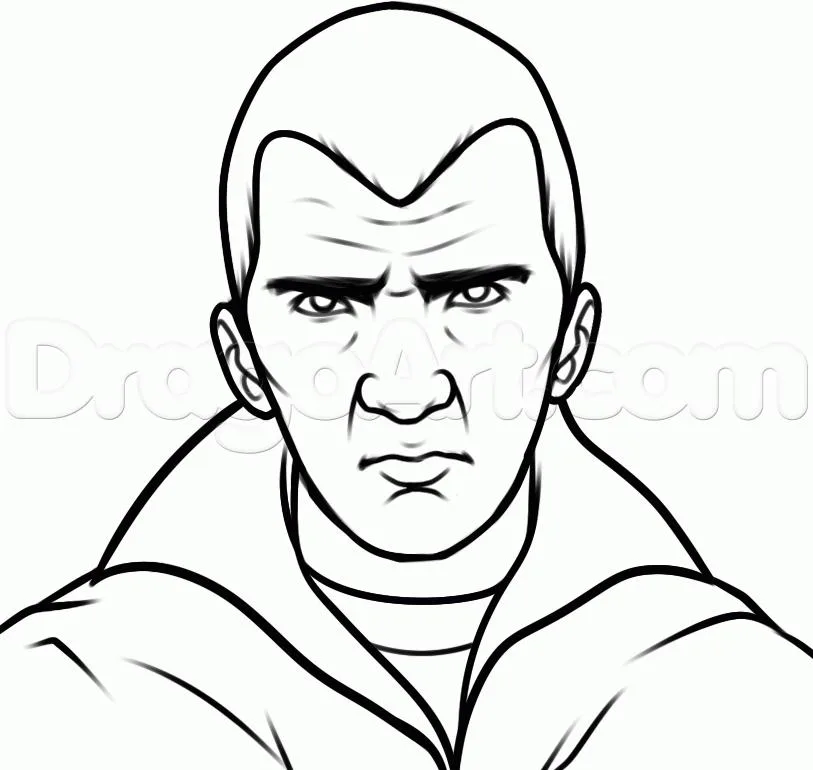
Today we’ll draw Michael De Santa from GTA 5. Sketch an oval for the shape of the head and an arc for the shoulder line. Add two guide lines to help draw the face.
Step 2
Draw the actual shape of Michael’s face and add the hairline.
Step 3
Then draw the ears and add their details.
Step 4
Now draw Michael’s face. Use the guides to place the eyes, which should have a heavy expression. Then draw the eyebrows, shape the nose, and add the mouth line. Finish the cheeks and add wrinkles to the forehead.
Step 5
Now draw Michael’s hairstyle, with the hair combed back.
Step 6
Draw the neck and start on the shirt. Add the open collar, and don’t forget the button.
Step 7
For the last step, sketch the shoulders and sleeves, then add details to Michael’s shirt. Add the strap across his chest and erase the guide lines.
Step 8
Michael De Santa from GTA 5 is finished. Now you can add color.
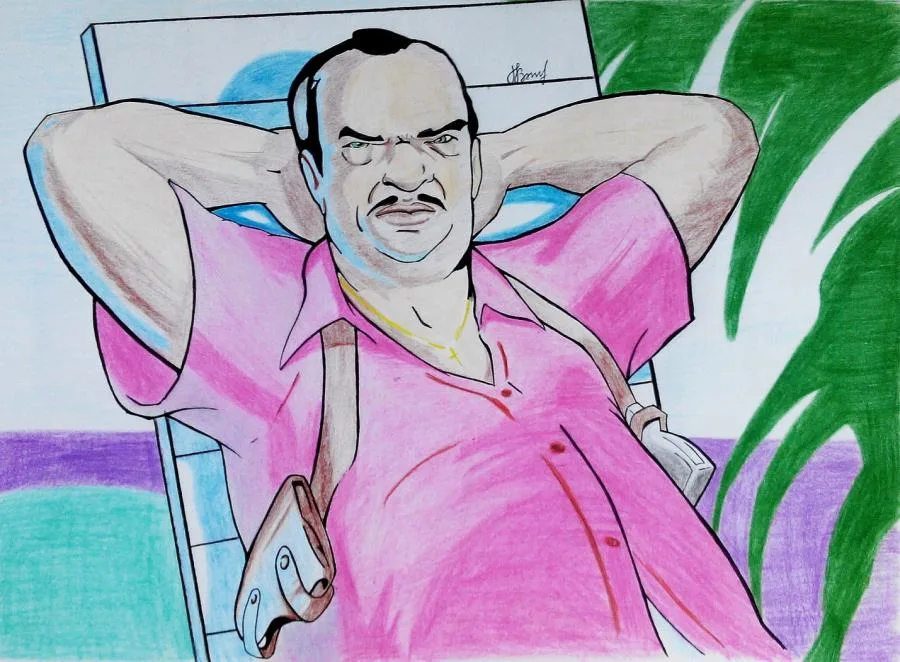







NexZ
спасибо за шикарный урок)
EEgrok
Ну как? Я новичок.
Ritatita
Твой \"мастерский\" ,так скажем,возраст тебя не спас.
Дмитрий
оцените
george
Вот мой рисунок зацените