
How to Draw Franklin Clinton from GTA 5 Step by Step
This collection features tutorials for drawing Franklin Clinton from GTA 5, including a portrait and a beginner-friendly version. Follow the steps to sketch his facial proportions and gradually add the details.
Choose a lesson
Choose a drawing to view its steps or video.
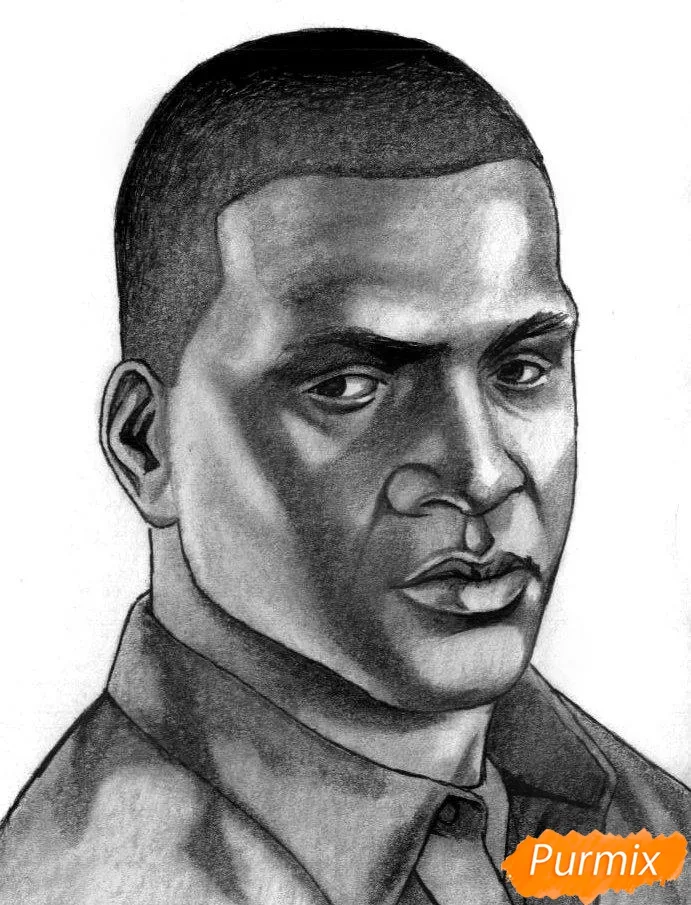
Franklin Clinton
+2+8+315Open stepsShow less
Log in to save your marks. Log in
Step 1
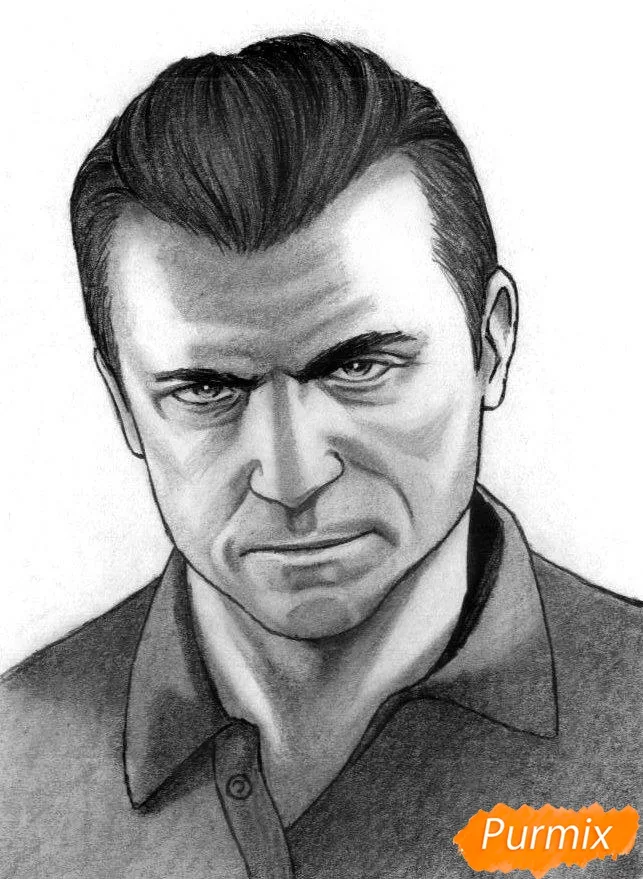
Use a hard pencil to draw the portrait outline. Pay close attention to the proportions because Franklin’s portrait is shown at a three-quarter angle.
Step 2
Use a black pen to darken the eyes, eyebrows, hair, nose, lips, and shirt as shown. Draw the short hair with short strokes.
Step 3
Use a soft pencil to add the main shadows. The light comes from the left, so the right side of the portrait should be darker. The darker the areas under the eyebrows, the more expressive the eyes will look.
Step 4
Shade the drawing with a hard pencil. The neck should be darker than the face because it receives less light.
Step 5
Blend the portrait with a piece of paper, then darken it again to increase the contrast. Deepen the shadows under the eyebrows and on the neck, adjusting them to suit the result.

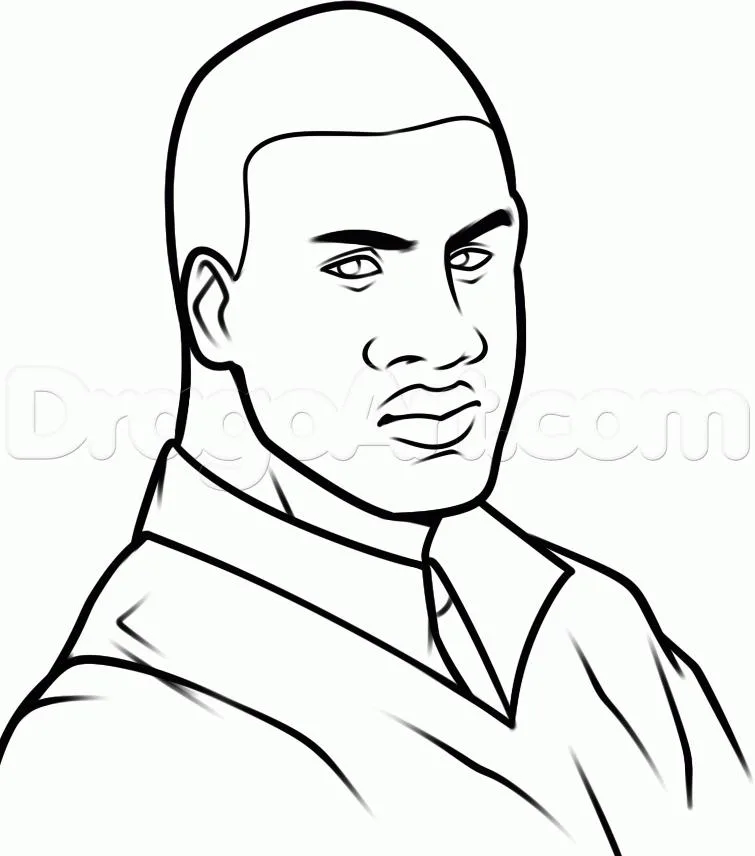
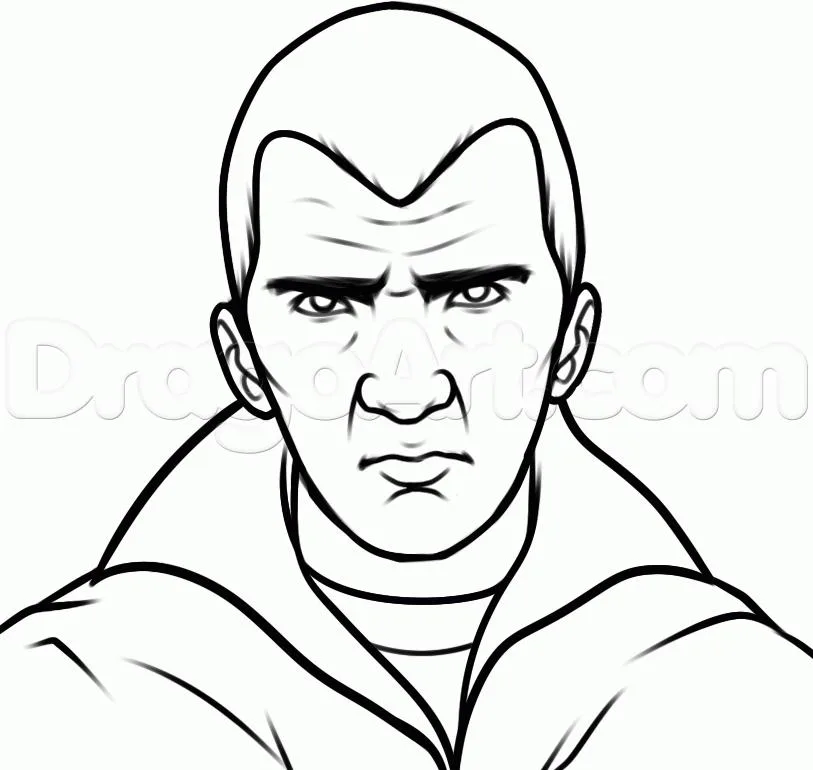
Franklin Clinton for Beginners
+1+0+476Open stepsShow less
Log in to save your marks. Log in
Step 1
Sketch the shape of Franklin’s head and extend the neck, then outline the torso. Add guide lines for the face and move on to step two.
Step 2
Next, draw the actual shape of Franklin’s face as shown in the picture and sketch the ear.
Step 3
Next, draw the thick eyebrows and the line of the mouth.
Step 4
Now draw Franklin’s hairline, then sketch the broad nose and small eyes. Add the full lips and refine the ears.
Step 5
For the last drawing step, add the neck, shoulders, back, and arms. Use short strokes to add texture to the shirt. Erase the guide lines.
Step 6
Franklin Clinton is finished, and you can color him now.









Buk
Спасибо большое очень круто
Nala
Урок класс я обажаю эту игру