
How to Draw a Pig from Minecraft Step by Step
Learn how to draw a Pig from Minecraft step by step. Follow the lesson and add the character's distinctive details.
Choose a lesson
Choose a drawing to view its steps or video.
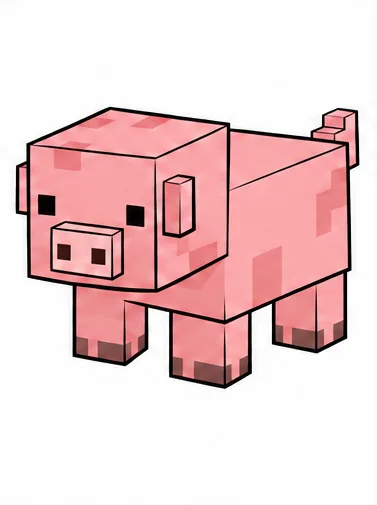
Pig full body
+0+0+08Open stepsShow less
Draw a pink, cubic pig in profile with a rectangular snout and a short curly tail.
Materials:
- You will need paper
- a regular pencil
- an eraser
- a black marker
- colored pencils
- and a white gel pen.
Log in to save your marks. Log in
Sketch the pig's square head and elongated body, then add four short legs.
Refine the boundaries of the head and body, showing the side planes of the large shapes.
Outline the legs and sketch rectangular hooves.
Add the projecting snout and a detail at the side of the head.
Draw the eyes and two nostrils on the snout.
Darken the eyes and refine the pig's face, then add details to its side and tail.
Mark the lower bands on the legs and finish the outlines of the tail and body.
Color the pig in shades of pink, making the snout and hooves slightly darker.
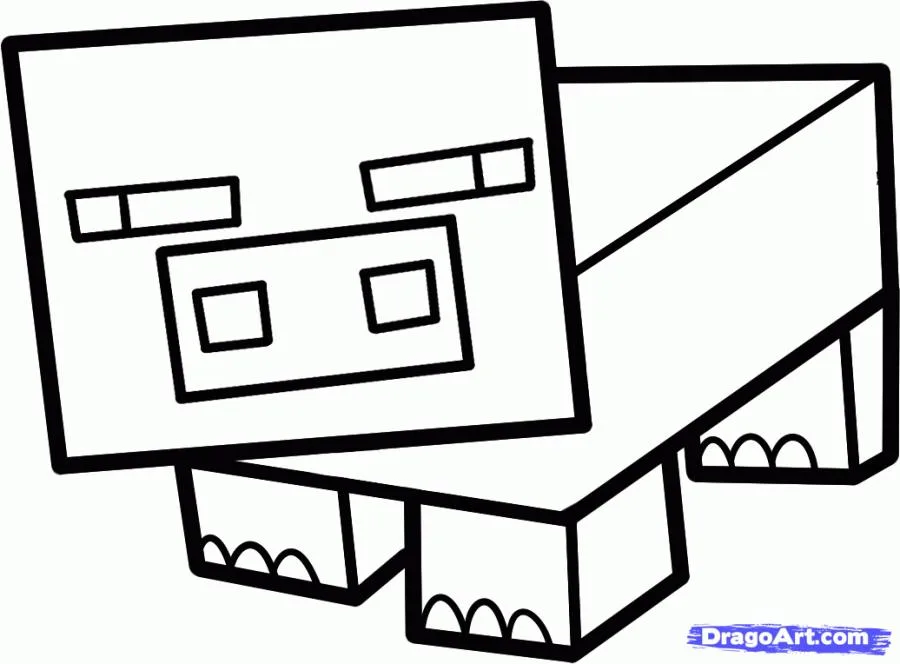
Pig second version
+3+1+1415Open stepsShow less
Log in to save your marks. Log in
Hello, everyone! Let's draw a pig, starting with a simple square.
Next, draw the pig's eyes and snout.
Great! Now draw the shape of the body.
All that's left is to draw the legs.
Great, that's all done! You've drawn a pig. Thanks for drawing with us on our site.
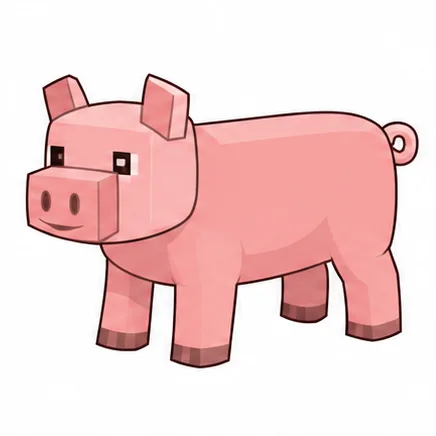
Pig full body
+0+0+08Open stepsShow less
In this step-by-step lesson, we'll draw a full-body pig from Minecraft: sketch its silhouette, add recognizable details, and color the finished character.
Log in to save your marks. Log in
Lightly sketch the pig's main shapes and arrange them as shown in the example. Check the proportions before refining the outline.
Connect the initial shapes into one silhouette and refine the size of its main parts.
Add the large parts of the silhouette: limbs, protrusions, tail, or other features shown in the example.
Refine the pig's outer contour and the placement of its large body details.
Draw the main features of the head and torso, turning the sketch into a finished outline.
Add the facial features, inner lines, and distinctive details.
Work on the small elements and patterns, then clean away the guidelines.
Color the finished pig with its characteristic shades, separating neighboring areas neatly.







Agent007
Как-то так получилось
Life
Если что я рисовал на PSVita
Настя Соколенко
ну вот как то так ;)
Алёнка -_-
Эта свинка наблюдает за вами !
Семён
MINCRAFL POKEY CHOTISI
Аня101
У меня вроде всё получилось. Извините что не умею выложить рисунок =(
витус
Вот
витус
Ну как
ЛеонидЦарьСпарты
они на теле забыли полоски нарисовать а так норм
Денис
у меня получилось