
How to Draw Herobrine from Minecraft Step by Step
Learn how to draw Herobrine from Minecraft step by step. Follow the lesson and add the character's distinctive details.
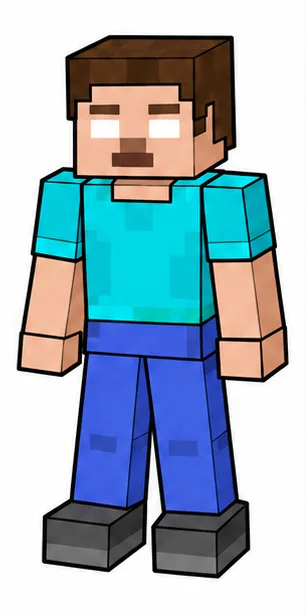
Herobrine full body
+0+0+08Open stepsShow less
In this step-by-step lesson, we'll draw a full-body Herobrine from Minecraft: sketch his silhouette, add recognizable details, and color the finished character.
Log in to save your marks. Log in
Lightly sketch Herobrine's main shapes and arrange them as shown in the example. Check the proportions before refining the outline.
Connect the initial shapes into one silhouette and refine the size of its main parts.
Add the large parts of the silhouette: limbs, protrusions, tail, or other features shown in the example.
Refine Herobrine's outer contour and the placement of the large details on his body.
Draw the main features of the head and torso, turning the sketch into a finished outline.
Add Herobrine's facial features, inner lines, and distinctive details.
Work on the small elements and patterns, then clean away the guidelines.
Color the finished Herobrine with his characteristic shades, separating neighboring areas neatly.




 BlackPaw
Спасибо за урок!
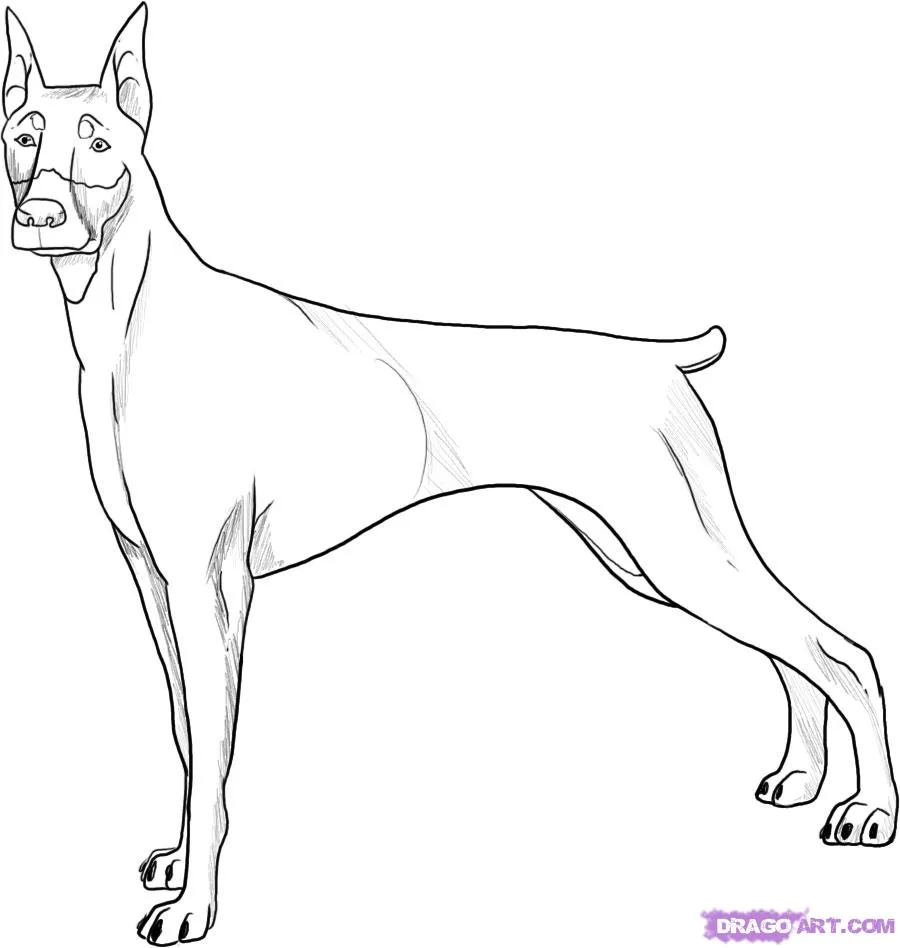 Iriska5
Вот как у меня получилось) Спасибо за урок! Только учусь именно в таком виде собак рисовать
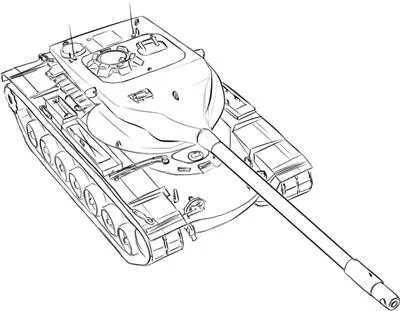 ivan2010
Спасибо круто
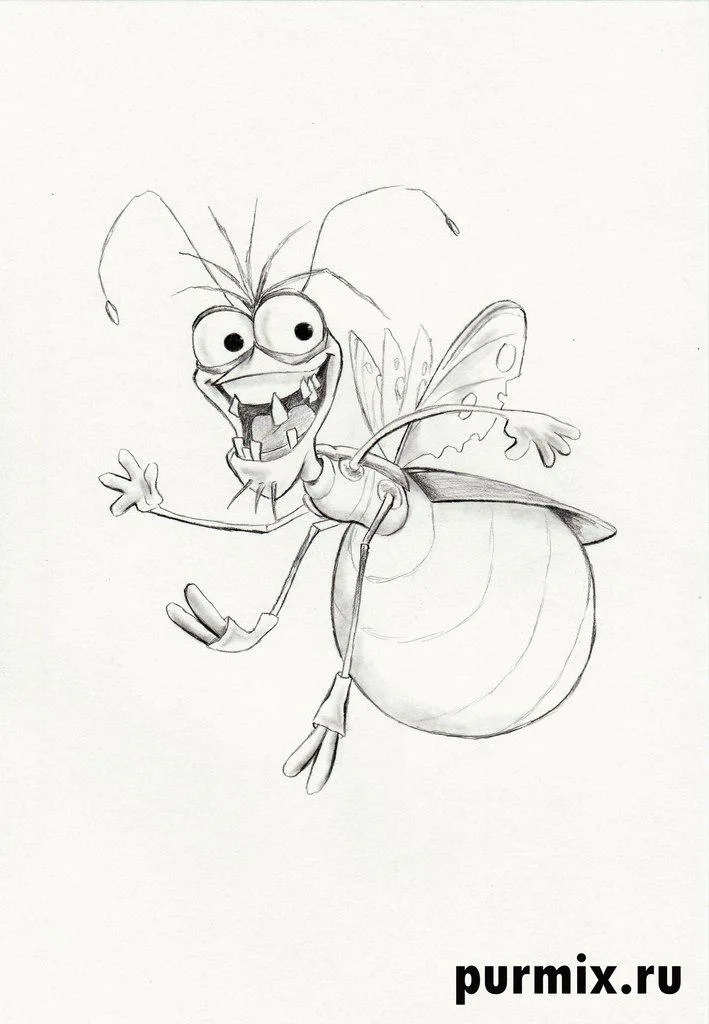 Rascazum
Клевая платформа !
Comments
To leave a comment, log in or sign up.