
How to Draw 8-Bit from Brawl Stars Step by Step
Draw 8-Bit from Brawl Stars in his default look and the 8V-Bit, Saloon, and Virus 8-Bit skins, as well as their turrets. The step-by-step illustrations will help you capture the geometric shapes and details of each version. Video tutorials complement the drawing guides.
Choose a lesson
Choose a drawing to view its steps or video.
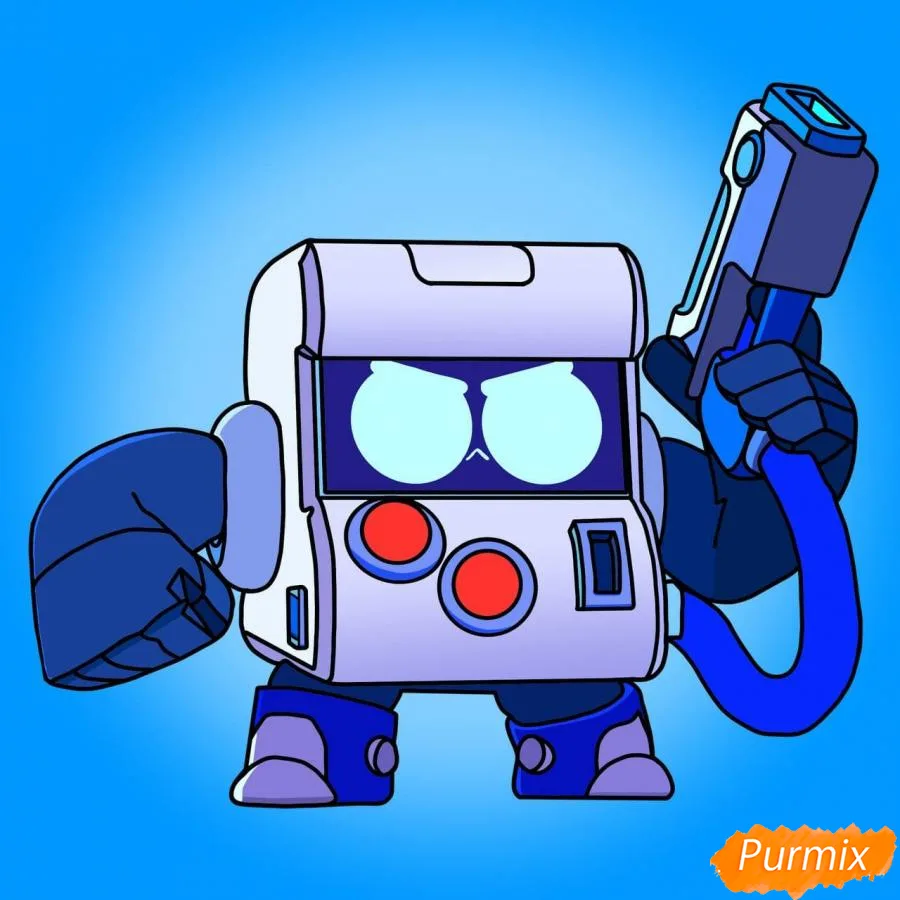
8-Bit
+0+0+1310Open stepsShow less
Log in to save your marks. Log in
First, take a pencil and draw the outline of the character's main body.
Now add details to the main body.
Draw the robot's arms. Mark where the shadows will go on the fingers.
Then draw the robot's gun and hose. Add details to the weapon.
Draw the hero's legs and shoes.
The sketch is ready. Carefully trace it with a marker, black pen, or fineliner, then erase all the pencil lines.
Start coloring 8-Bit with the torso. Follow the shadowed areas, and color the details on the torso and its side as well.
Next, shade the legs and arms. Don't forget the shoes, shadows, and highlights.
Then color the screen and draw the mouth and eyes.
If you like, draw a background and work on it carefully. Your 8-Bit from Brawl Stars is ready.

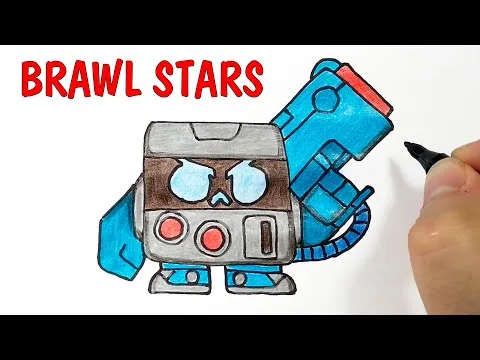
8-Bit
+0+0+0VideoOpen videoShow less
Log in to save your marks. Log in
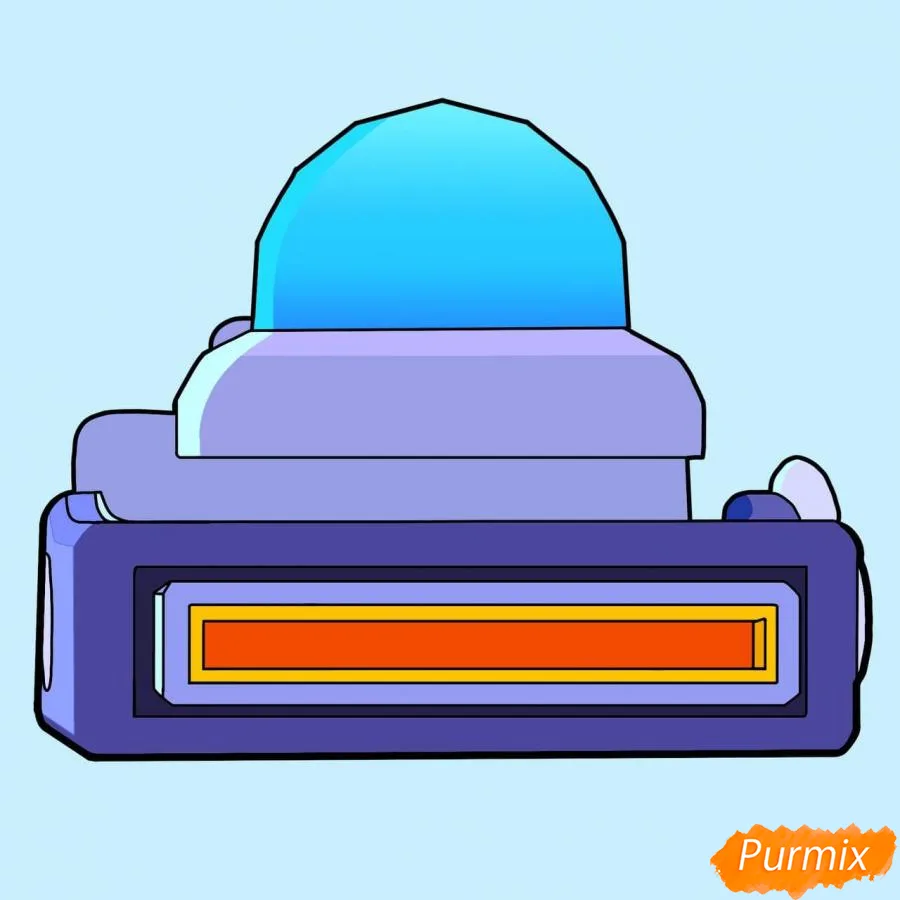
8-Bit Turret
+0+0+09Open stepsShow less
Here we will show you how to draw the 8-Bit turret from Brawl Stars.
Log in to save your marks. Log in
First, take a ruler and pencil. Draw the outline of the lower part of the turret.
Next, draw rectangles inside one another.
Then draw the upper part of the turret.
Draw the dome that forms the top of the turret.
The sketch is ready. Use a marker, black pen, or fineliner to trace the pencil outline, then erase all the pencil lines.
Start coloring from the top. Add highlights along the edges to give it volume.
Next, color the turret's second tier. Don't forget the details.
Shade the lower part.
If you like, add a background; a solid color works best. Your 8-Bit turret from Brawl Stars is ready.
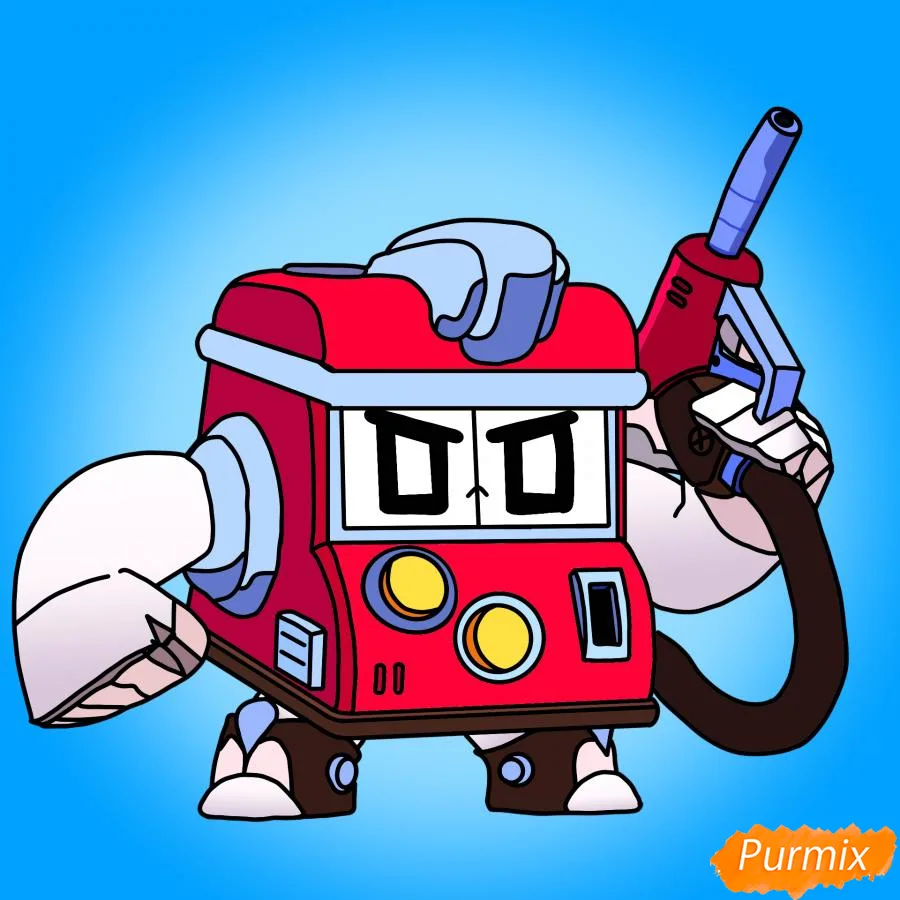
V8-Bit
+0+0+09Open stepsShow less
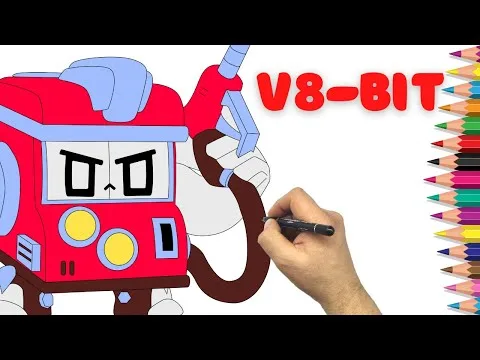
In this lesson, we will show you in detail how to draw V8-Bit from Brawl Stars. You will need:
Materials:
- Drawing paper
- Pencil
- Eraser
- Fineliner or black pen
- Colored pencils
- markers
Log in to save your marks. Log in
First, use a pencil to draw V8-Bit's torso and screen with its frame.
Draw all the details on the torso as shown in the picture. Add the arms and legs.
Draw the eyes and mouth on the screen. Add all the details on the hero's torso.
Then draw the weapon. Add details to it and mark the shadows on some parts.
Trace the drawing with a fineliner or black pen; you can make the outlines thicker. Be careful to stay within the pencil lines.
Start coloring by shading the torso.
Next, color the body details, legs, and shoes. Color the hose as well.
Then color the arms, using a darker shade in some areas. Color the character's weapon too.
If you like, draw a background to finish the picture. Color it carefully without going beyond the outline. Your drawing is ready!

V8-Bit
+0+0+0VideoOpen videoShow less
Log in to save your marks. Log in
V8-Bit Turret
+0+0+08Open stepsShow less
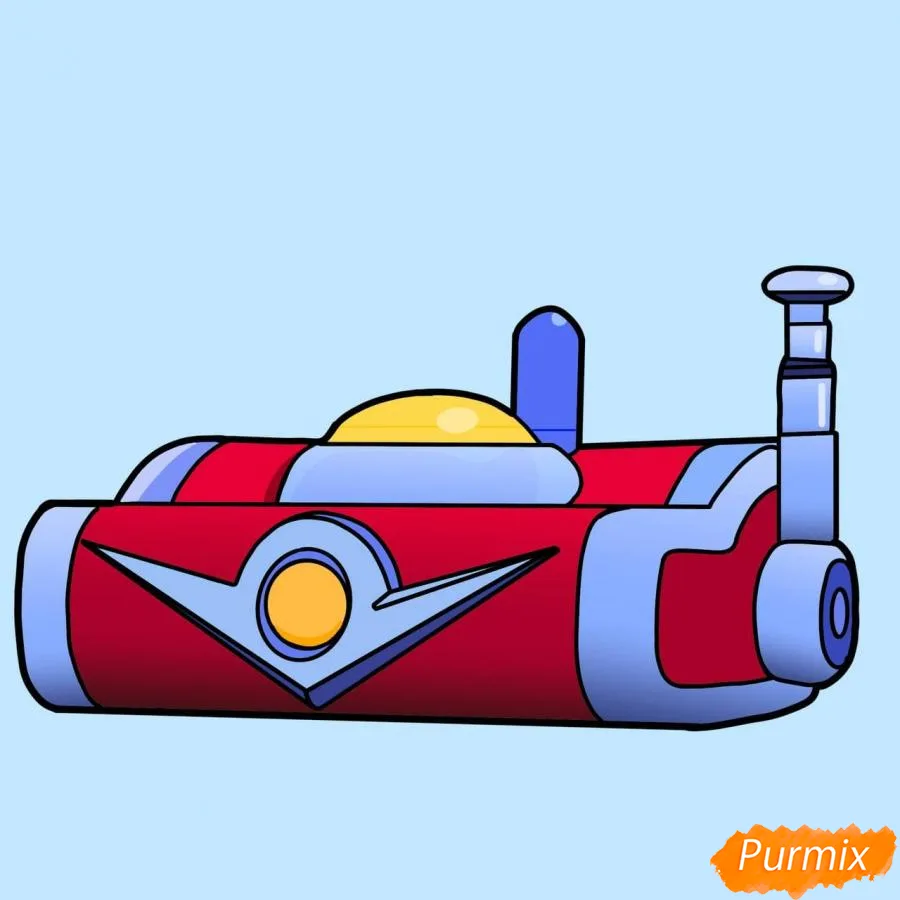
In this simple lesson, you will learn how to draw the V8-Bit turret from Brawl Stars.
Log in to save your marks. Log in
First, take a pencil and ruler. Draw the lower part of the turret.
Next, add details to the lower section.
Then draw the upper part.
Add details to it and draw a pipe on the side.
The sketch is ready. Trace it with a marker, black pen, or fineliner, then erase all the pencil lines.
Start coloring the drawing from the top. Add shadows and highlights.
Then color the main part of the turret and add shadows.
If you like, add a solid-color background. Work carefully as you color it.
Saloon 8-Bit
+0+0+010Open stepsShow less
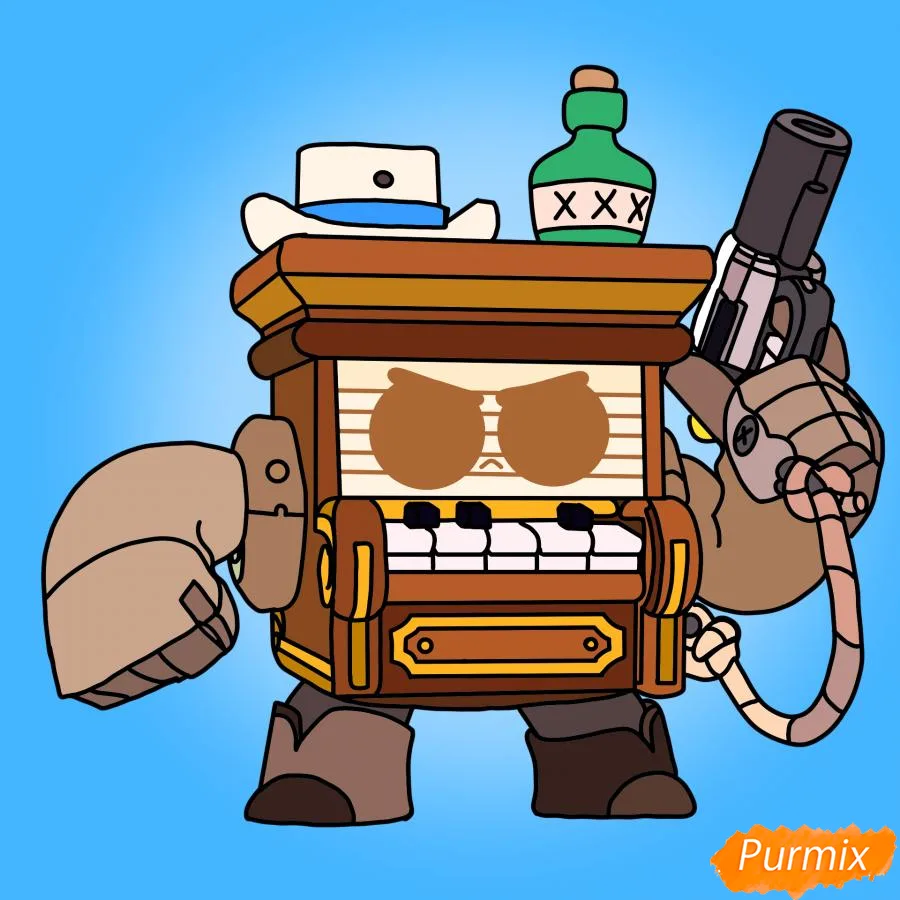
In this drawing tutorial, you will learn how to draw Saloon 8-Bit. You will need:
Materials:
- Drawing paper
- Pencil
- Eraser
- Fineliner or black pen
- Colored pencils
- markers
Log in to save your marks. Log in
First, use a pencil to draw 8-Bit's torso.
Draw all the details on the torso as shown in the picture.
Draw and detail the arms. Add the hat and bun on top.
Next, draw the legs and weapon. Add details to the weapon and draw the shoes.
Trace the drawing with a fineliner or black pen; you can make the outlines thicker. Be careful to stay within the pencil lines.
Start coloring by shading the torso and its details.
Next, color the hat and bottle. Draw the game character's eyes and mouth on the screen.
Then color the legs and arms. Use a darker shade in some areas.
Next, color the weapon using different shades of the same color.
If you like, add a background; a solid color works best. Color it carefully without going beyond the outline. Your drawing is ready!
Saloon 8-Bit Turret
+0+0+09Open stepsShow less
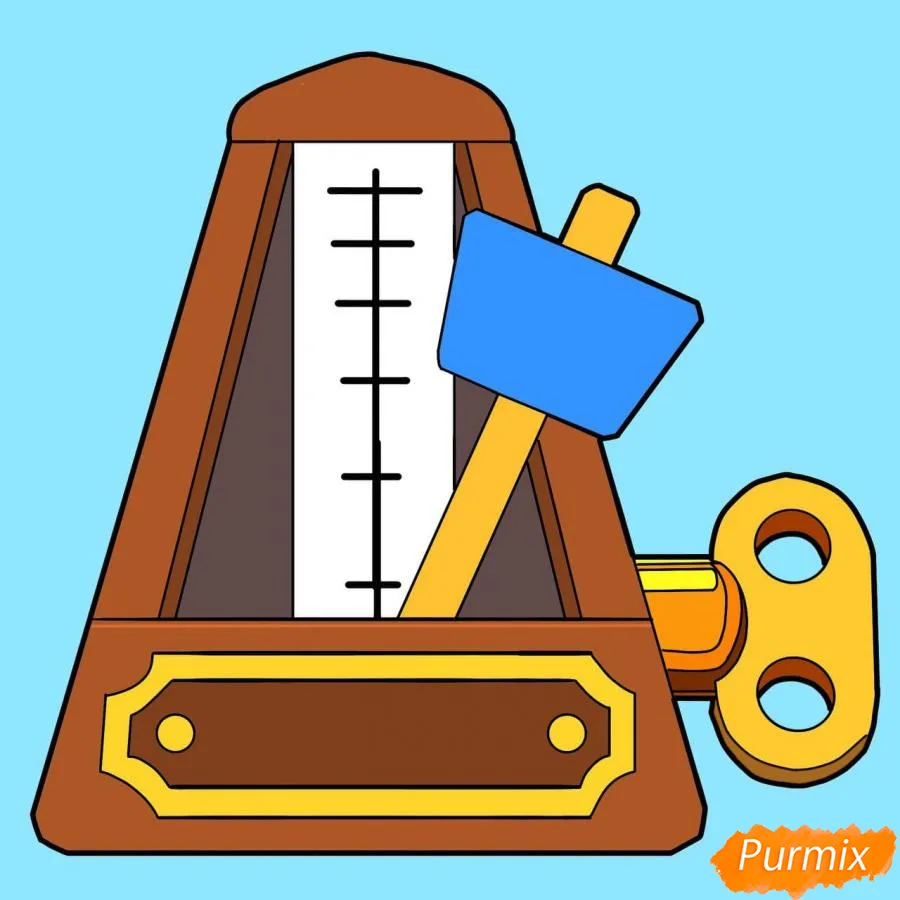
Here we will show you in detail how to draw the Saloon 8-Bit turret.
Log in to save your marks. Log in
First, take a pencil and ruler. Start the sketch with the turret's outline.
Next, draw the lower part and add details.
Draw the small hammer and winding key. Add details to the key.
Then draw the gauge and its socket.
Your sketch is ready. Trace it with a marker, black pen, or fineliner. Work carefully.
Start coloring the main section to make it look like wood. Add shadows.
Next, shade the interior and hammer. Color the lower details.
Color all the remaining details.
If you like, add a background; a solid color works best. Your Saloon 8-Bit turret from Brawl Stars is ready.
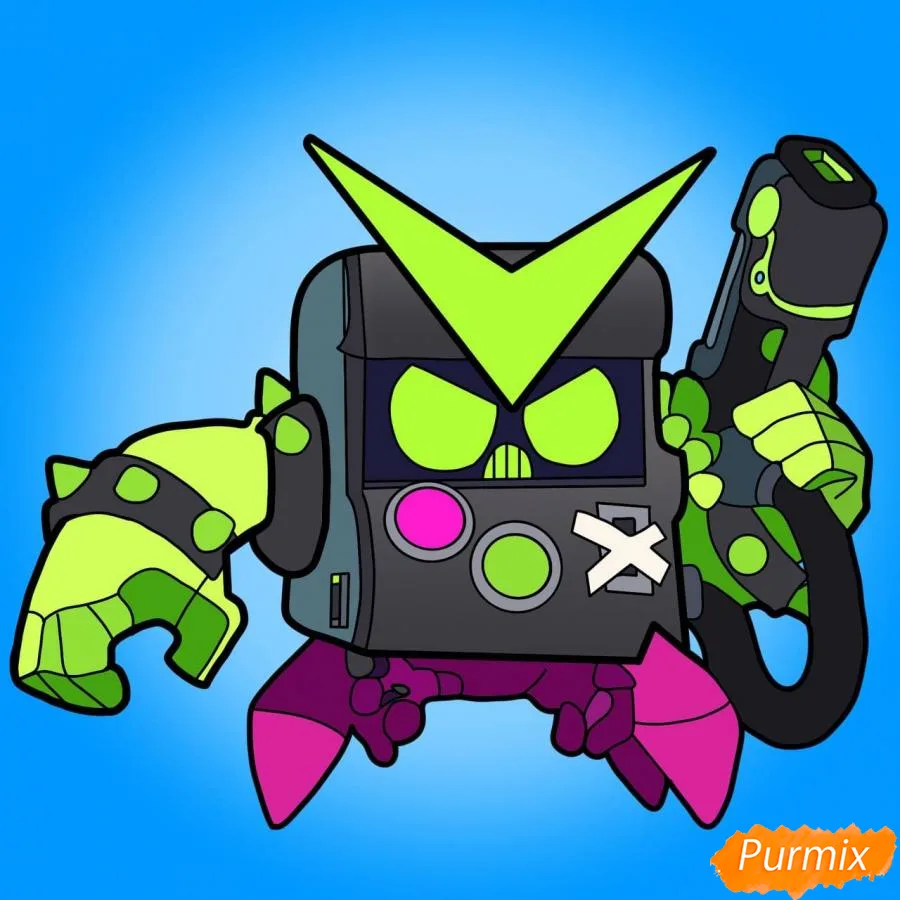
Virus 8-Bit
+0+0+09Open stepsShow less
Let's draw Virus 8-Bit from Brawl Stars. You will need:
Materials:
- Drawing paper
- Pencil
- Eraser
- Fineliner or black pen
- Colored pencils
- markers
Log in to save your marks. Log in
First, take a pencil and draw the outline of the torso and the checkmark-shaped eyebrow.
Next, draw the details on the torso, the nose and mouth, and the arms. Add details to the arms.
Draw the robot's legs and weapon. Add details to them.
The sketch is ready. Use a marker, black pen, or fineliner to trace it carefully, then erase all the pencil lines.
Start coloring with the torso. Color all the details.
Now color the arms and shade the fingers.
Then color 8-Bit's legs and work on the shadows.
Next, color all the remaining details and refine the shadows.
If you like, color the background, taking care to stay inside the outline. Your Virus 8-Bit from Brawl Stars is ready.
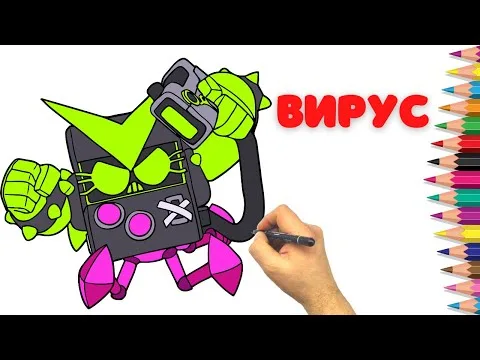
Virus 8-Bit
+0+0+0VideoOpen videoShow less
Log in to save your marks. Log in
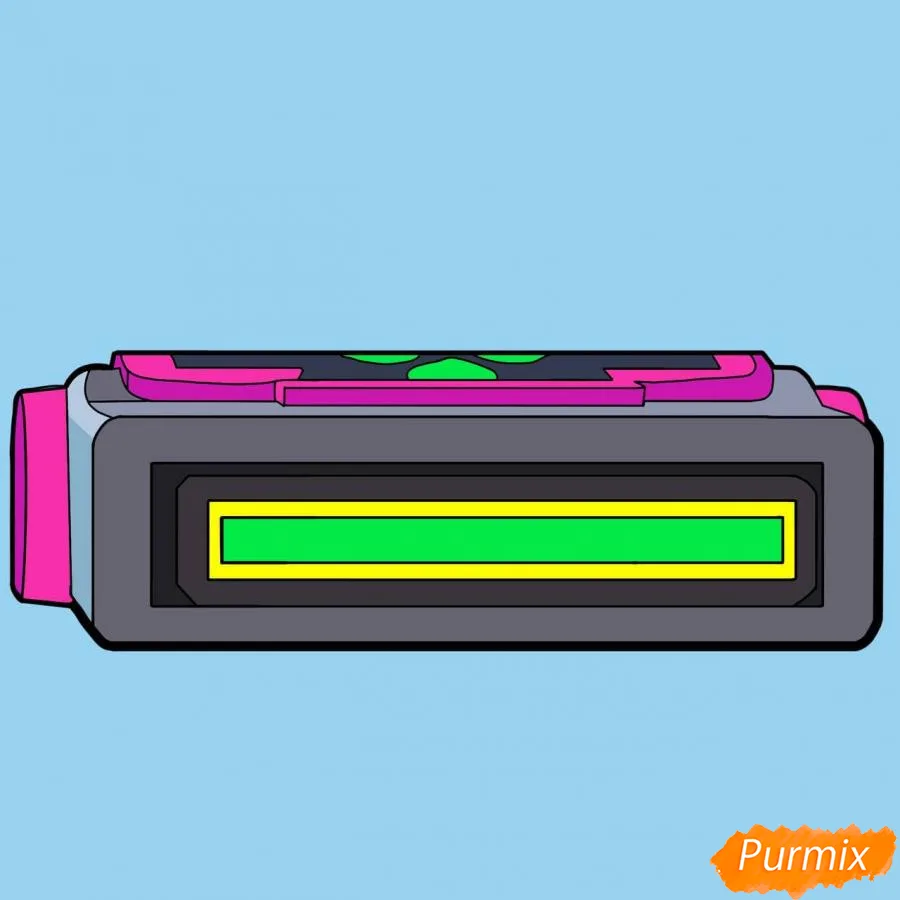
Virus 8-Bit Turret
+0+0+09Open stepsShow less
Let's draw the Virus 8-Bit turret from Brawl Stars. You will need:
Materials:
- Drawing paper
- Pencil
- Eraser
- Fineliner or black pen
- Colored pencils
- markers
Log in to save your marks. Log in
First, take a ruler and pencil. Draw the outline of the lower part of the turret.
Next, draw rectangles inside one another.
Then draw the sides and top.
Draw the virus symbol on top of the turret.
The sketch is ready. Use a black pen, marker, or fineliner to trace it carefully, then erase the pencil lines.
Start coloring with the top panel. Color the virus symbol.
Now color the sides and interior sections.
Then color the main front panel.
If you like, shade the background. Your Virus 8-Bit turret from Brawl Stars is ready.







PicEighthClone
ХДЕ СКИН КЛАССИЧЕСКОГО 8-БИТА?!