
How to Draw Landmarks of Morocco Step by Step
Draw Moroccan minarets, a fortress, a narrow blue street and ornate gates. Watch simple walls develop into arches, cornices and decorative patterns.
Choose a lesson
Choose a drawing to view its steps or video.
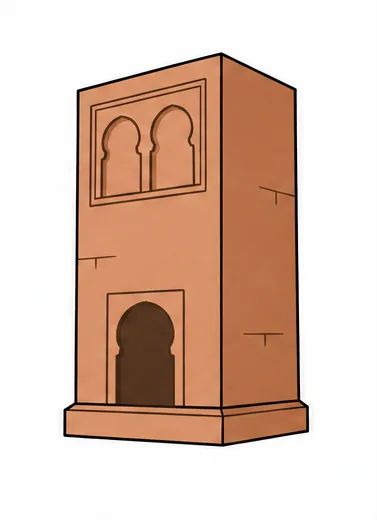
Hassan Tower, Rabat
+0+0+08Open stepsShow less
Show two sides of Hassan Tower. Add paired decorative arches near the top and a separate entrance below.
Log in to save your marks. Log in
Step 1
Build a low rectangular base with two visible faces.
Step 2
Draw the tall tower above it.
Step 3
Run an upright ridge between the front and side.
Step 4
Sketch a large rectangular frame near the facade's top.
Step 5
Draw two neighbouring decorative arches within it.
Step 6
Add a separate entrance arch with a rectangular surround below.
Step 7
Mark a few short stone-block joints on the walls.
Step 8
Make the tower reddish sand, the side darker and the entrance dark brown.
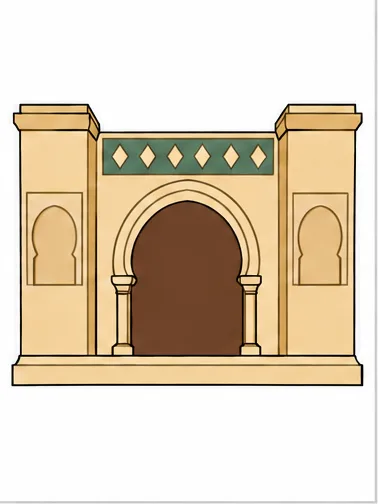
Bab Mansour Gate, Meknes
+0+0+08Open stepsShow less
Draw Bab Mansour with a large horseshoe arch and tall side supports. A diamond pattern fills the band above the passage.
Log in to save your marks. Log in
Step 1
Draw two long, shallow steps.
Step 2
Build a central rectangular structure above them.
Step 3
Add solid side supports with projecting upper cornices.
Step 4
Draw a broad horseshoe arch in the centre.
Step 5
Repeat its inner outline and add slender supports at the edges.
Step 6
Draw narrow arched niches at the sides and a rectangular band above the entrance.
Step 7
Arrange a row of diamonds inside the upper band.
Step 8
Make the walls golden sand and the band green, darkening the passage.
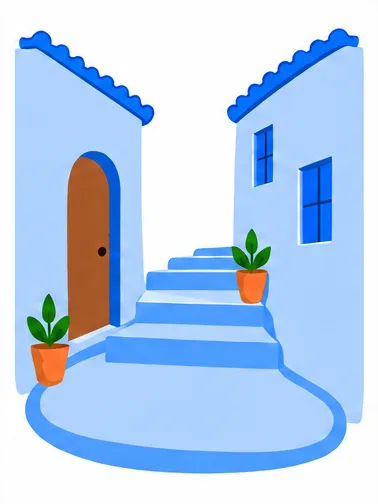
Blue Street in Chefchaouen
+0+0+08Open stepsShow less
Draw a blue street between two houses, with steps in the distance. Flowerpots and a brown doorway bring life to the blue walls.
Log in to save your marks. Log in
Step 1
Sketch a winding path narrowing into the distance.
Step 2
Raise a house wall and sloping tiled roof edge on the left.
Step 3
Add a second wall with a matching roof edge on the right.
Step 4
Draw several broad steps at the far end.
Step 5
Mark an arched door on the left and two small windows on the right.
Step 6
Divide the windows and add a door handle.
Step 7
Place two leafy flowerpots beside the street.
Step 8
Colour the walls and steps in blue shades, the door brown and the plants green.
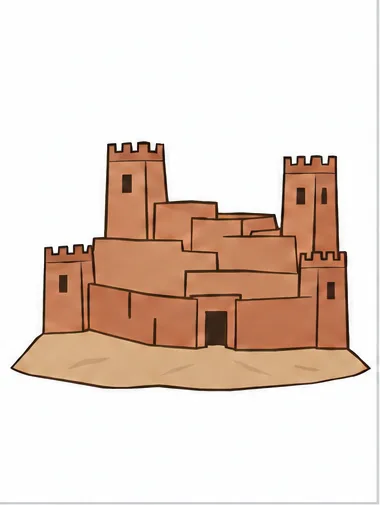
Aït Benhaddou
+0+0+08Open stepsShow less
Draw Aït Benhaddou as stepped earthen buildings on a hill. Tall rear towers and a low front wall create depth.
Log in to save your marks. Log in
Step 1
Sketch a gentle hill with an uneven outline.
Step 2
Draw a wall with a gate and two towers along the front.
Step 3
Add battlements to the front towers.
Step 4
Build several rectangular houses and two tall towers behind.
Step 5
Give the upper towers battlements too.
Step 6
Place small rectangular windows on the towers.
Step 7
Add short joint lines to the front wall and houses.
Step 8
Make the buildings reddish brown, the hill sandy and the windows and entrance dark.
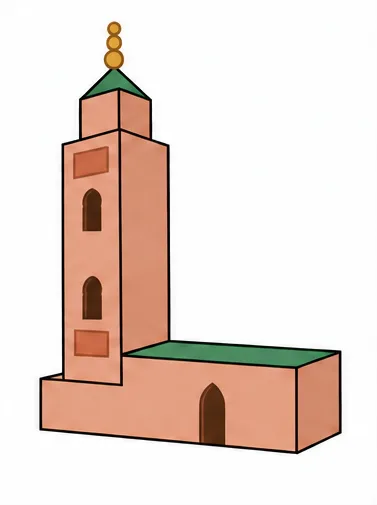
Koutoubia Mosque, Marrakesh
+0+0+08Open stepsShow less
Draw Koutoubia Mosque with a tall square tower beside a low building. A small roof and three balls complete the minaret's silhouette.
Log in to save your marks. Log in
Step 1
Draw a broad base with depth.
Step 2
Raise a tall rectangular minaret on the left, showing a side face.
Step 3
Add a small upper tier with a pointed roof.
Step 4
Draw three small balls above one another over the roof.
Step 5
Build the mosque's low body on the right.
Step 6
Draw two narrow tower windows and an arched entrance in the lower building.
Step 7
Add rectangular decorative panels above and below the minaret windows.
Step 8
Colour the walls pinkish brick, the roofs green and the finial gold.
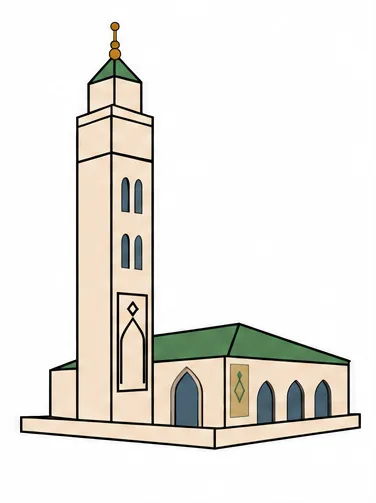
Hassan II Mosque, Casablanca
+0+0+08Open stepsShow less
Draw Hassan II Mosque with a long body and a tall corner minaret. Narrow windows and upright decorations emphasise the tower's height.
Log in to save your marks. Log in
Step 1
Sketch a rectangular platform with a visible side face.
Step 2
Build a low mosque structure on it.
Step 3
Cover it with a shallow hipped roof.
Step 4
Raise a tall minaret with several upper tiers on the left.
Step 5
Draw a large entrance and row of small arches in the main walls.
Step 6
Add the minaret's finial and two rows of paired windows.
Step 7
Mark elongated decorative panels on the tower and facade.
Step 8
Make the walls pale sand, the roofs green and the windows blue-grey.















 BlackPaw
Спасибо за урок!
 Iriska5
Вот как у меня получилось) Спасибо за урок! Только учусь именно в таком виде собак рисовать
 ivan2010
Спасибо круто
 Rascazum
Клевая платформа !
Comments
To leave a comment, log in or sign up.